


Apple’s been making interesting tweaks to its operating systems after the release of the 26.0 versions in September. Back in October, the 26.1 beta cycle brought Slide Over back to iPadOS, a feature that’s now released for everyone. We’re now three betas into the 26.2 beta cycle, and this week brought interesting new features for both Mac and iPad users.
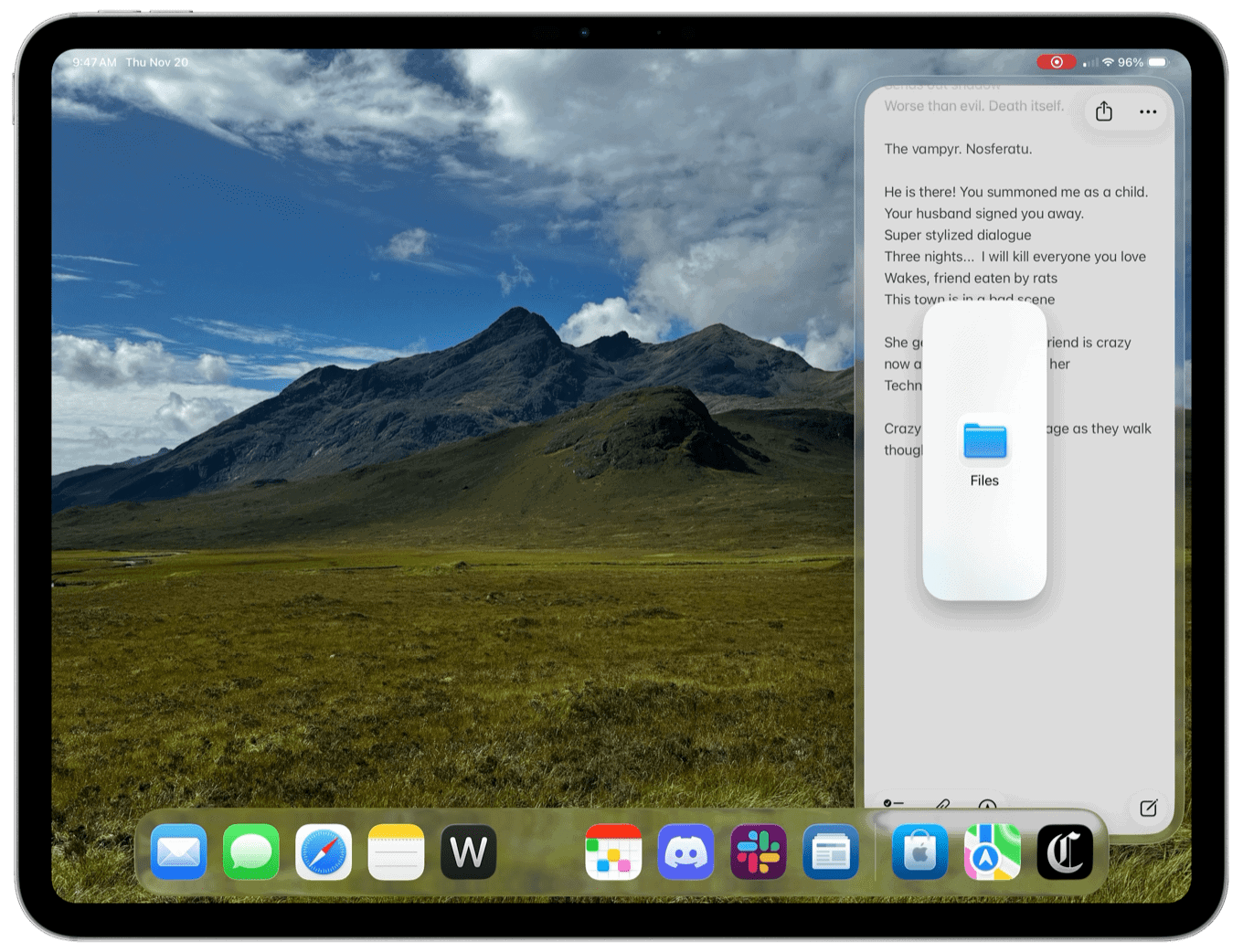
On the iPad side, Apple continues to tweak the edges of its new multitasking model, most notably the reborn Slide Over feature. This week’s feature updates all seem to be focused on kicking off multitasking functionality by dragging apps out of the Dock while in multi-window mode.
While the new Slide Over still doesn’t offer a built-in app switcher like the old one (which, personal opinion, still seems like a bridge too far and a metaphor too mixed), in 26.2 beta 3 there’s a new way to quickly replace which app is in Slide Over: You just drag an app’s icon out of the Dock and drop it on the Slide Over spot. That’s it. The app you dragged replaces the app that was there.