
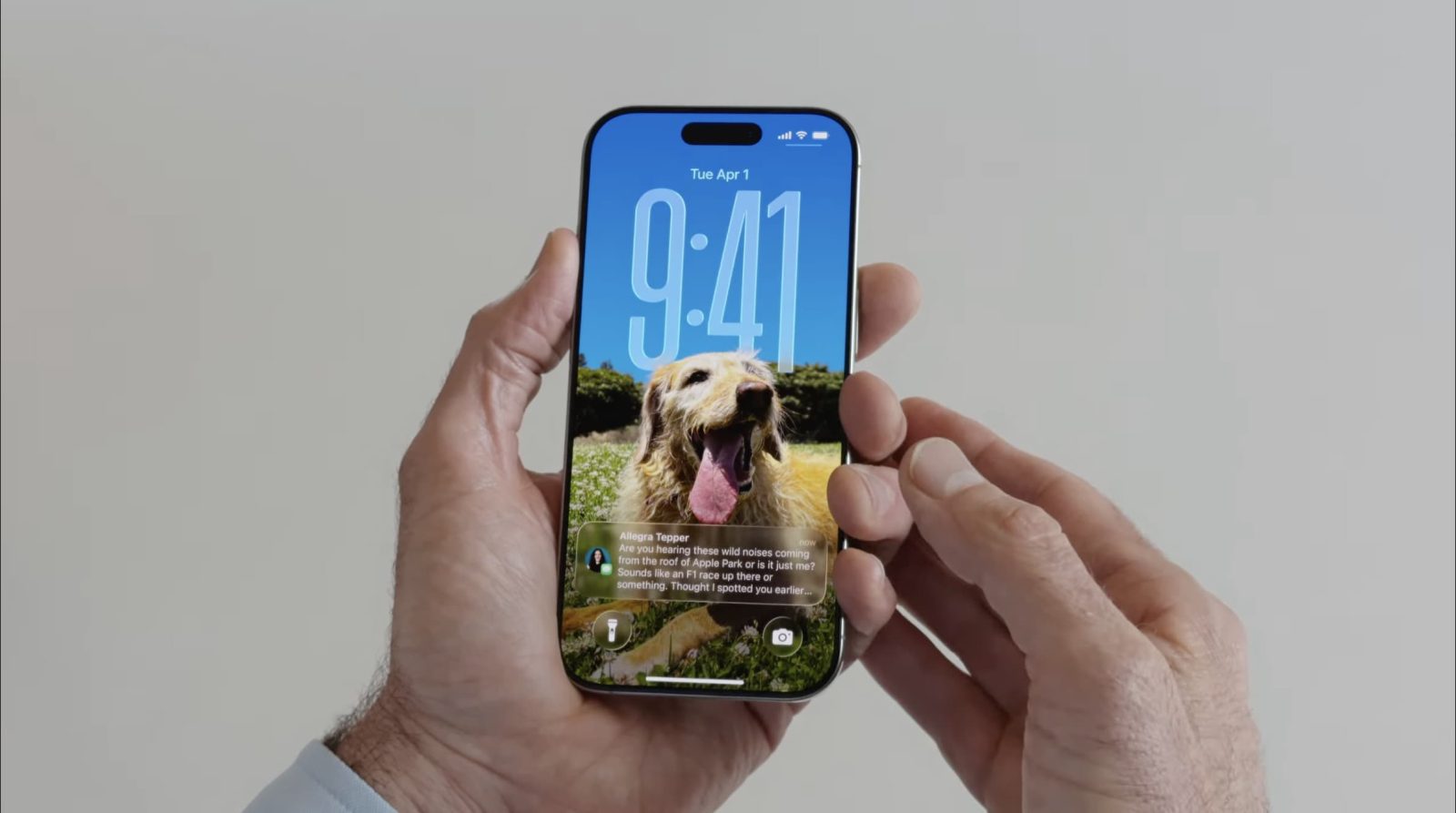
iOS 26 keeps adding a lot of new ways to customize your iPhone, but one of my favorites was there in the first 26.0 release: 3D spatial wallpapers. Here’s how to use the feature.

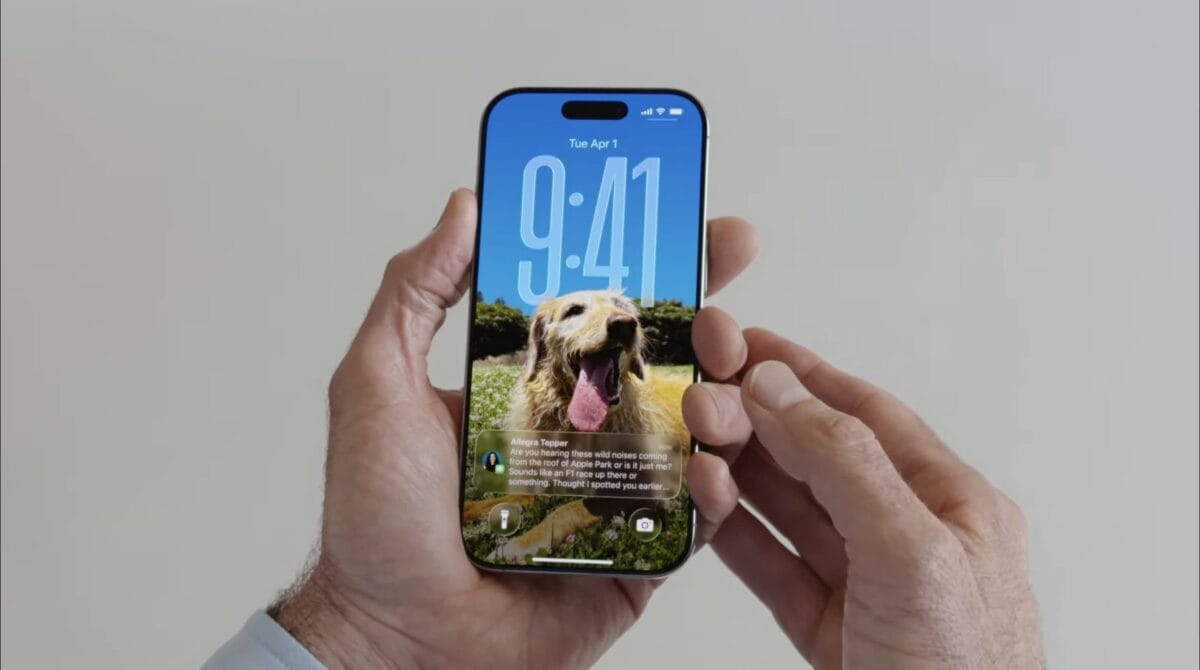
iOS 26 keeps adding a lot of new ways to customize your iPhone, but one of my favorites was there in the first 26.0 release: 3D spatial wallpapers. Here’s how to use the feature.
Please confirm you want to block this member.
You will no longer be able to:
Please allow a few minutes for this process to complete.