

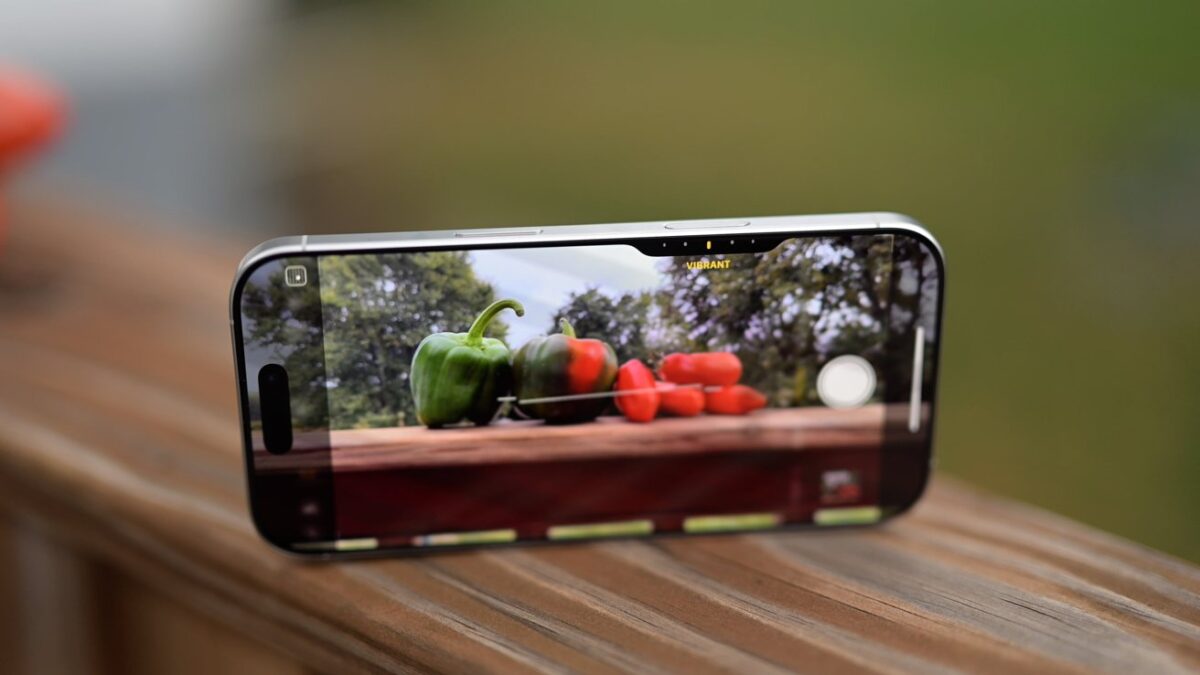
The Camera Control button is a new physical control on the side of the entire iPhone 16 lineup. Here’s everything you need to know, and how to get the most out of it.
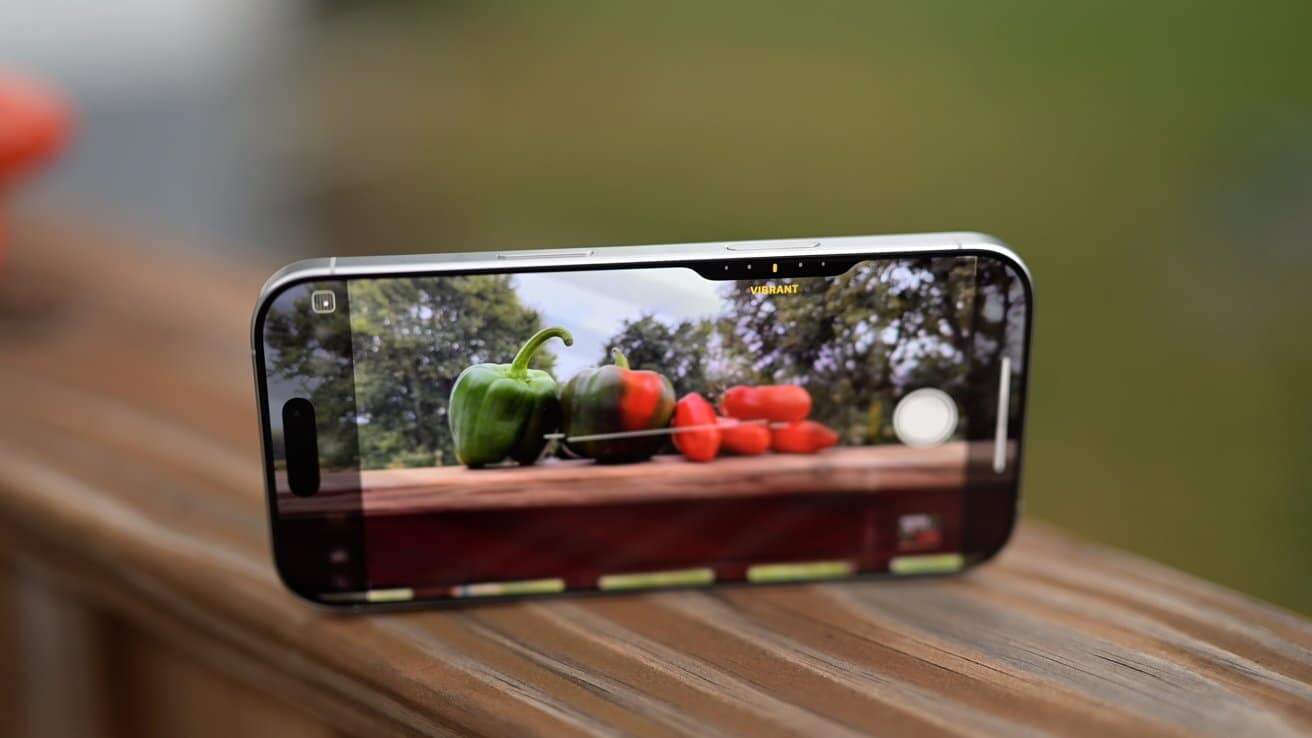
Use the Camera Control button to improve your photos
Apple’s Camera Control buttin is both physical and touch sensitive. With a firm press it will click like a real button, but a light-press gives you Taptic feedback like with Apple’s Mac trackpads.
{“@context”:”https://schema.org/”,”@type”:”VideoObject”,”name”:”iPhone 16 Camera Control Button: Everything You NEED To Know!”,”description”:”Have a new iPhone 16? Here’s how you can get the most out of the new Camera Control button. This capture button is touch-sensitive to make camera changes, take photos quicker, launch third-party apps, and much more.”,”thumbnailUrl”:”https://i.ytimg.com/vi/5zmrT78ch0Y/sddefault.jpg”,”uploadDate”:”2024-09-24T17:44:24Z”,”duration”:”PT6M31S”,”embedUrl”:”https://www.youtube.com/watch/?v=5zmrT78ch0Y”}