
Featured
NMUG Annual Board Meeting
The Board of Directors review the past year's achievements, discuss our financial health, and outline our strategic goals for the […]

The Board of Directors review the past year's achievements, discuss our financial health, and outline our strategic goals for the […]

The Naples MacFriends User Group website is your central hub for all things NMUG! But, are you getting the most […]

Is your inbox overflowing? Do you struggle to find important messages among the clutter? Dr. Marty Jencius is delighted to […]

Between our iPhones, iPads and Macs (not to mention our TVs), we stare into white screens hours a day. Short […]

The holiday season is just around the corner, and finding the perfect gift for the tech enthusiasts in your life […]

The digital world is constantly evolving, and so are the tools we use every day. Whether you are looking to […]
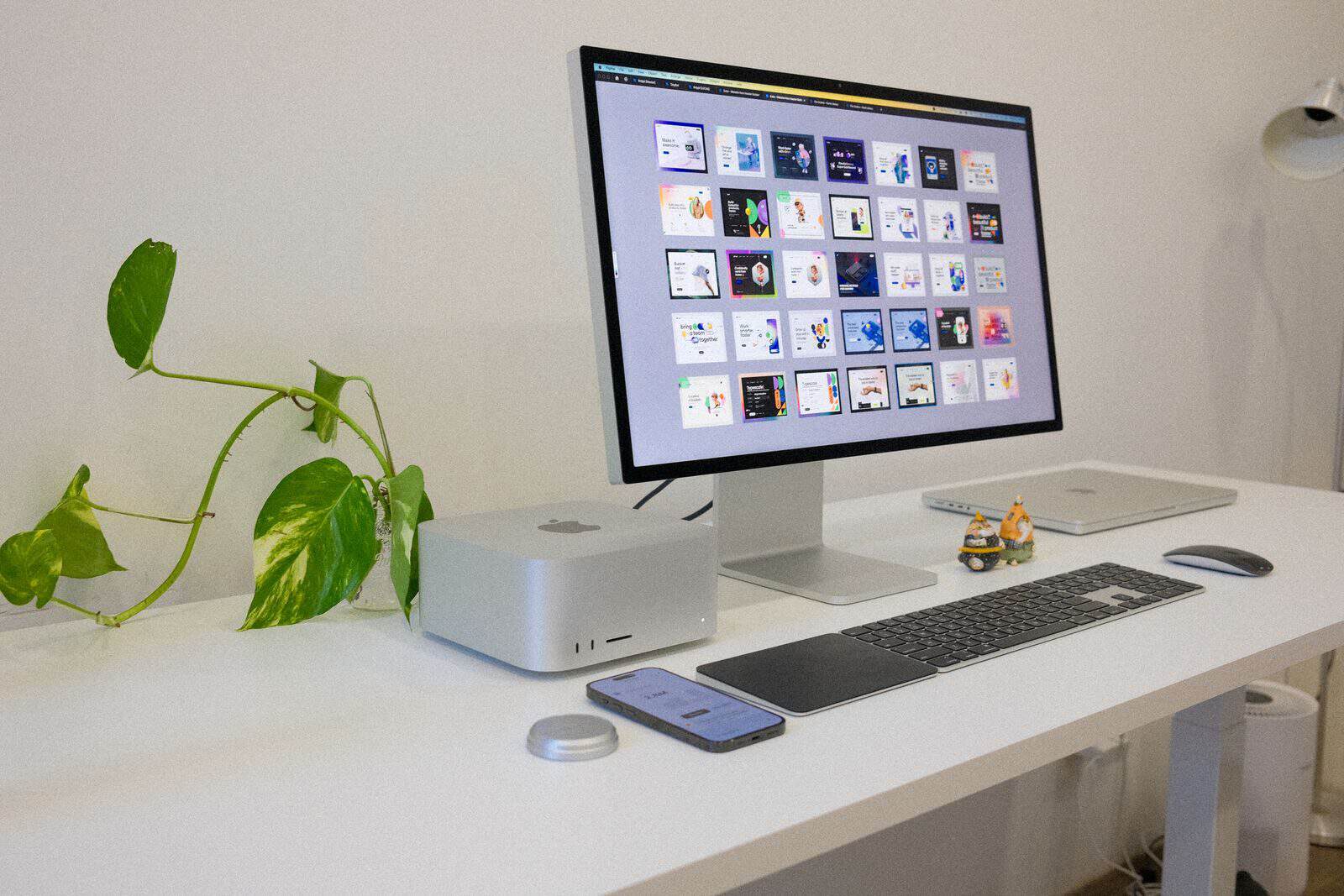
Have you ever wondered why the "Save" icon is a floppy disk, or why the Phone app looks like an […]

Mike Matthews is excited to help you go beyond the basics of Safari, Apple’s web browser! You may already be […]

Don’t miss this informative and interactive session with Apple Authorized Affiliate, Data Forensics & Cybersecurity Expert, and longtime NMUG friend, […]

Jason Snell, the founder and editor of Six Colors, an award-winning editorialist, and a MacWorld columnist, joins us to discuss […]

Christian Boyce shows you his favorite little Mac apps, each designed to make your Mac life easier, better, and more […]

AI-powered transcription apps have revolutionized how we capture notes, record meetings, and document conversations. But as these tools become more […]

Mind Maps® are a visual, brain friendly way to capture ideas, organize projects, and turn plans into action. Watch a […]

As artificial intelligence technology advances, so do the tactics of scammers. Today, highly realistic AI voice clones can be used […]

Entering text is a big part of anyone’s computer life and it’s something we can all improve. Naturally, practicing helps. […]

Join us for a special presentation with bestselling author and longtime technology journalist David Pogue as he explores the fascinating […]

List-makers of the world: Unite! More than a simple checklist, the Reminders app is a powerful tool to organize all […]

Adam Engst will examine Apple’s redesign of the iOS 26 Phone app, focusing on the differences between the traditional Classic […]

Podcaster and fellow Tech Guru, Jeff Gamet, covers the latest and greatest news and announcements from Apple’s June 2026 World […]

The Internet is a big place and there are literally zillion of websites at your fingertips. Even so, most of […]

There’s no single answer to what makes a great photograph, but a strong composition is always an excellent start! It […]

Adam Engst will examine whether 1Password’s recent price increase and improvements to Apple’s built-in Passwords app should prompt users to […]

Join us for a fast-paced look at Raycast with Ferrers Young. Discover how Raycast can help you work more efficiently […]

Ever watch someone who’s super-comfy with his iPhone and think “He makes it look easy,” and then wonder why everything […]

Tech enthusiast and "InTouch with iOS" podcaster David Ginsburg, just got his hands on the latest Apple devices and will […]

When Apple introduced the MacBook Neo at $599, it wasn't just launching a budget laptop — it was making a […]

Mike Matthews will show you how to get more out of your iPad than you ever thought possible—even to the […]

Jill McKinley is on a journey not only to maintain her health but also to make it a truly fulfilling […]

Christian Boyce teaches people how to get things done on their Macs. Most of the time, his clients are at […]

Author and Media Analyst Charlotte Henry will give insight on the evolving world of streaming—how it’s reshaping TV, film, sports, […]

Mike Shebanek is back! In our Wednesday Meeting Season opener, 9/3/2025, Mike Shebanek, the creator of VoiceOver on the Mac, […]

Mike Matthews will take you beyond the basics of using your iPhone, including many of it’s hidden features. You’re not […]

Hackers think differently. They see vulnerabilities where you or I see normal systems. Driven by curiosity, creativity, and persistence rather […]

Christian Boyce has been helping people use their Macs and iPhones better for 35 years. In that time he’s solved […]

Pixelmator Pro is an affordable image editor that offers powerful, professional-level tools, that are easy to understand and use. Acquired […]

Learn how to prepare for sudden weather emergencies or other disasters and power outages by getting the best alert apps […]

The Apple Watch, iPhone and iOS Health apps continue to bring technology to our wrists and fingertips that keep us […]

Jason Snell takes us through an annual look back on Apple’s performance during the past year, as seen through the […]

Joe Kissell just updated his Take Control of Your Digital Legacy ebook. This is a subject that speaks to all […]

Discover how SetApp can transform the way you work on your Mac and iOS devices. In this hands-on presentation, we’ll […]
There are some apps that are just indispensable to your life as a Mac User. Whether they be for security, […]

Shortcuts is Apple’s own automation system that works with macOS, iOS, and iPadOS. macOS Tahoe brings several new features to […]

Apple integrates security into the very core of its platforms. From hardware security and biometrics, encryption and data protection, a […]

Whether you’re a beginner or a seasoned computer user, we all encounter technical issues at some point. These issues can […]

The Preview app is a Mac user favorite for viewing or interacting with all types of file formats. For image […]

A Smart home may have started out as a simple wall plug, light switch or light bulb that you could […]

The iPad is featuring massive changes with the new iPadOS 26 update. This class focuses on exploring the latest hardware […]
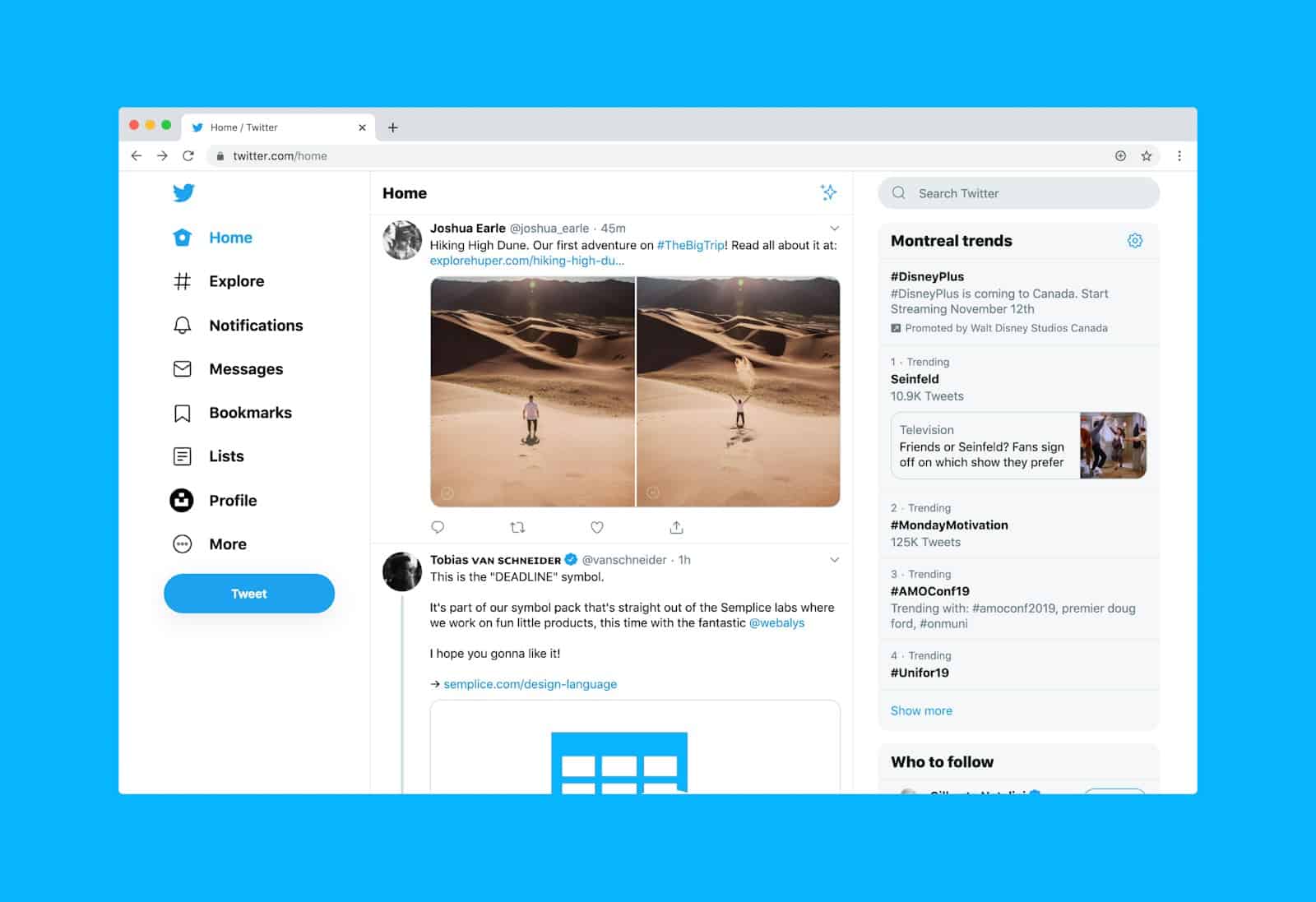
Screen capture tools for Apple devices encompass a range of built-in and third-party applications designed to record, capture, and share […]
Please confirm you want to block this member.
You will no longer be able to:
Please allow a few minutes for this process to complete.