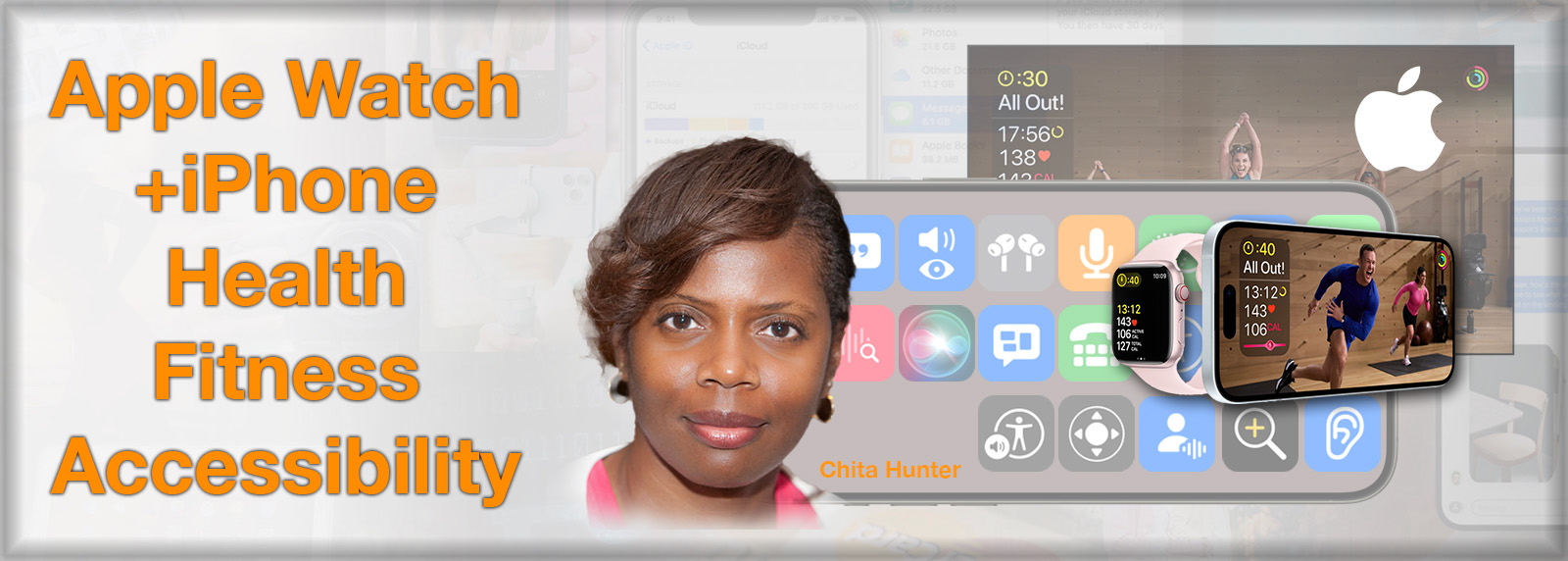
Health is our number one priority. Apple has put health and safety at the core of Apple Watch and iPhone. With Accessibility features and Health and Fitness apps on both devices, Apple has made your health a priority, too.

Health is our number one priority. Apple has put health and safety at the core of Apple Watch and iPhone. With Accessibility features and Health and Fitness apps on both devices, Apple has made your health a priority, too.

Security, privacy, and protection are top concerns for our computer and online lives. In this class, Jeff Bohr, an Apple Certified Support Professional and NMUG member, will cover varying topics and offering up many tips to keep you safe.

AppleTV 4K has great new experiences and updates for you enjoy! With a tour of the latest features and built-in apps, settings, hardware, and streaming services, you’ll find Apple Original content, Live TV, Sports, World-class workouts, super fun games, music, and so much more than just TV! Be ready to capitalize on great tips and tricks to get the most out of your AppleTV!
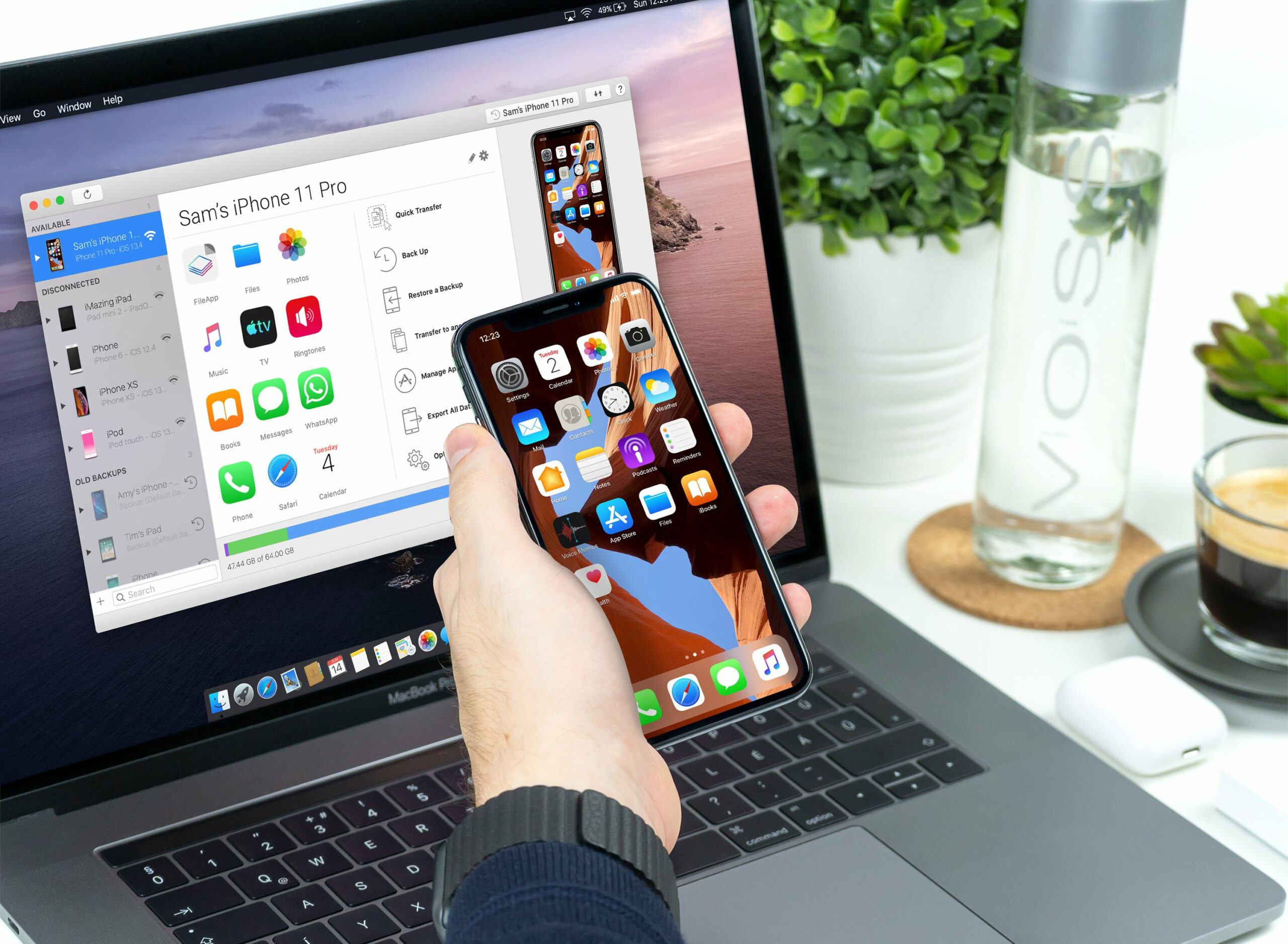
If you own an iOS/iPadOS device, iMazing by DigiDNA, is a must have app for you. With iMazing you have access and flexibility to the content on your device that even Apple doesn’t give you. Don’t miss this opportunity to learn what this amazing app can do for you.
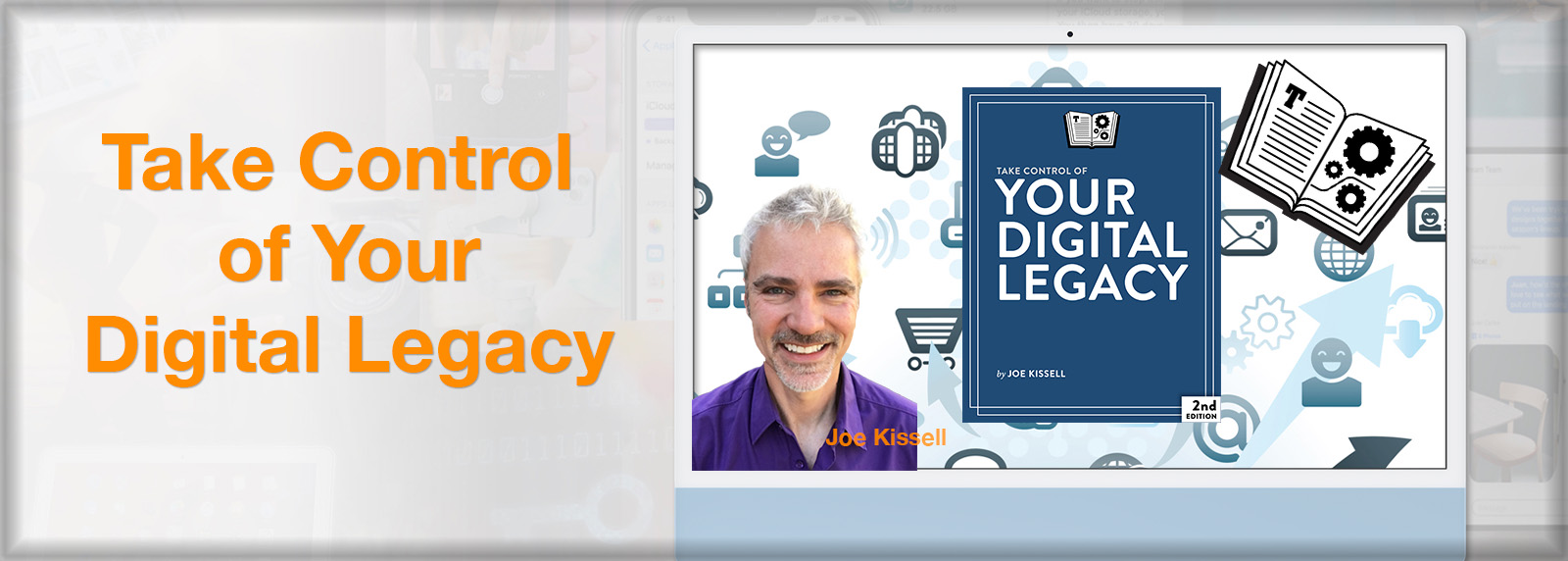
Your digital legacy—whether, how, and in what ways your data will carry on without you—is a hugely important topic in the 21st century. No matter your age or health, something could happen to you at any time. Having a plan in place is a necessity.
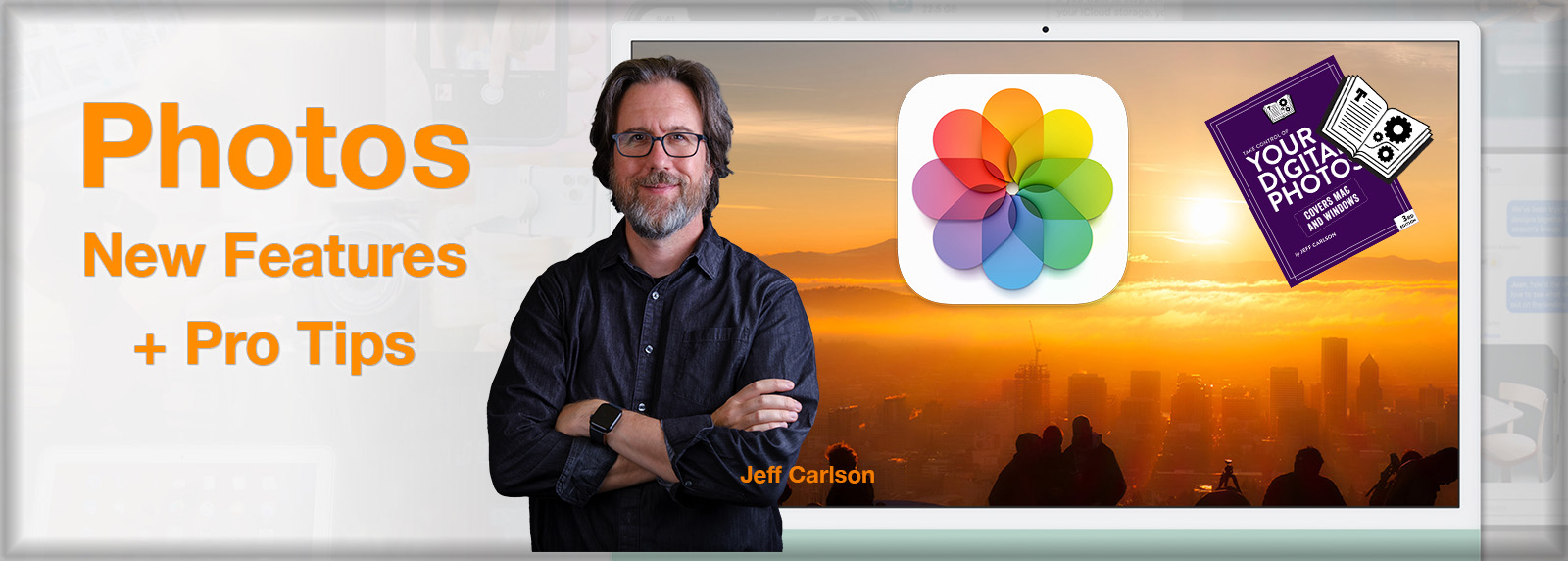
Your personal photos have become more and more important to you as days and years go by! Jeff Carlson, walks you through a comprehensive overview of Photos latest features and enhancements, as well as Jeff detailing and demonstrating how he edits his own professional images.
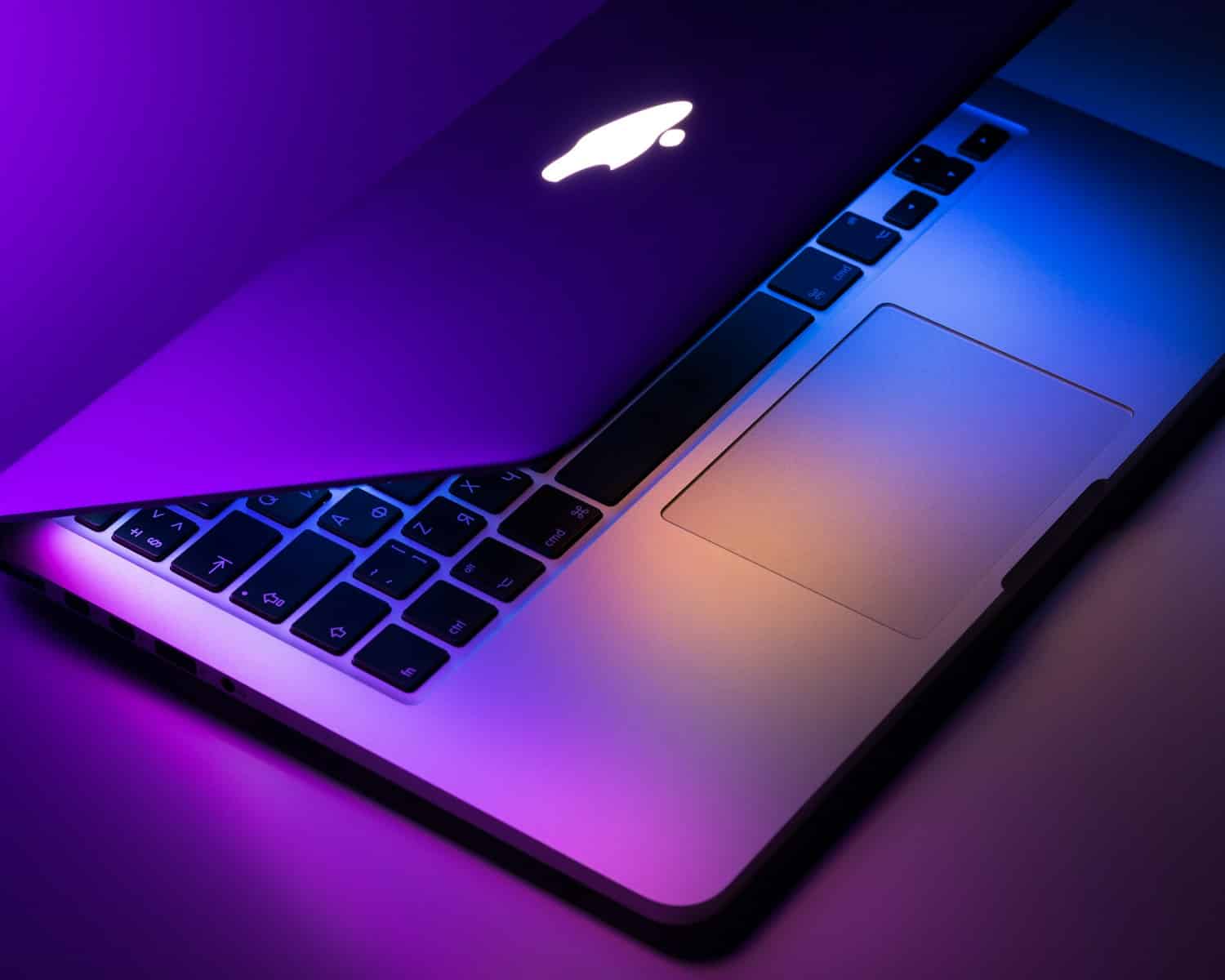
Discover the full potential of your Mac with our comprehensive Beginner’s Class to Using a Mac. Designed specifically for newcomers, this class offers a step-by-step journey through the essential features and functions of your Apple computer. Immerse yourself in an easy-to-follow curriculum tailored to make the learning process enjoyable and effective.
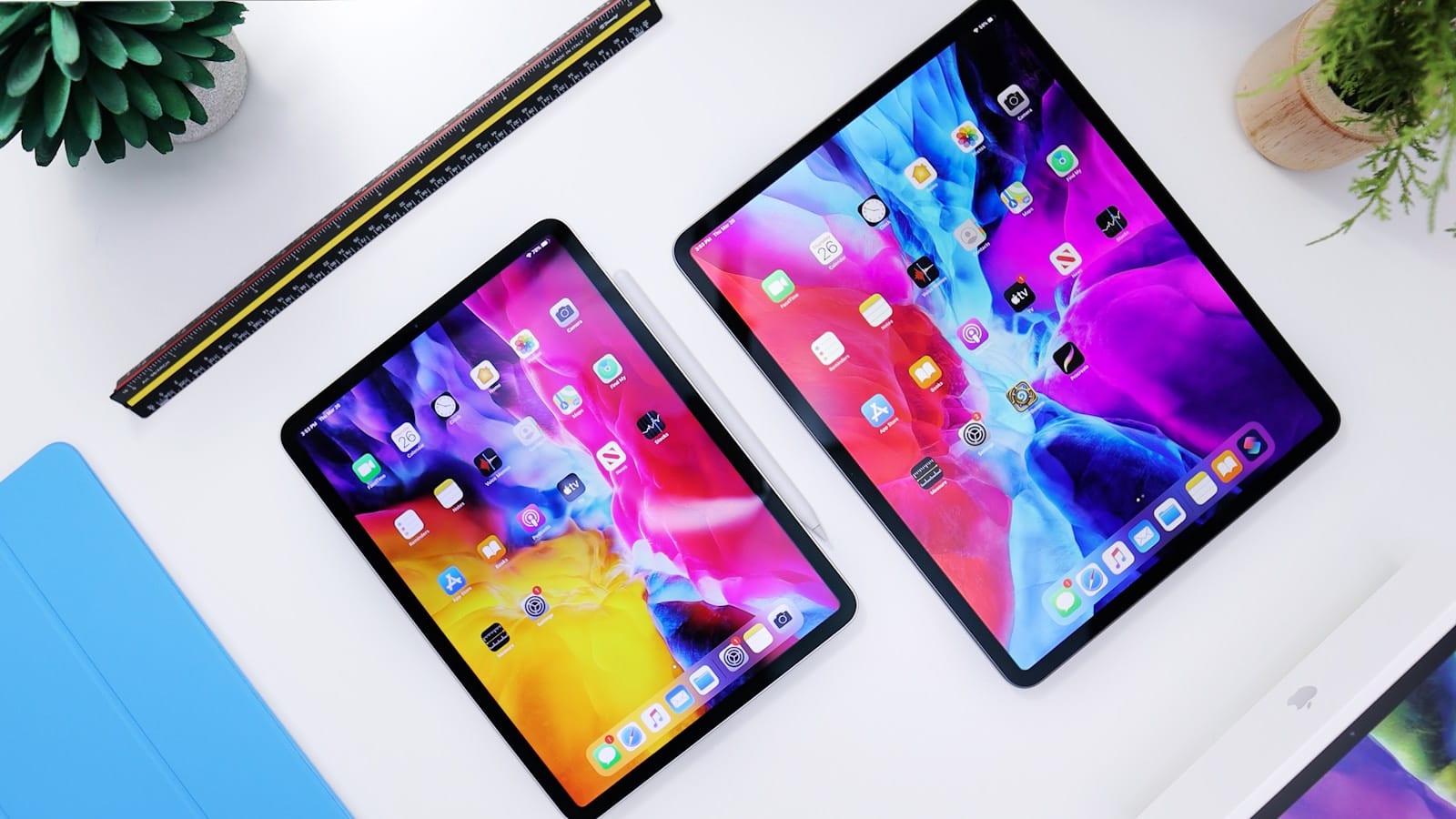
Embark on a digital adventure with our upcoming online class, "Mastering Your iPad: The Ultimate Guide for Beginners." This engaging course, presented by Dan Wassink, is designed to unveil the full capabilities of your iPad, transforming novices into confident and proficient users.
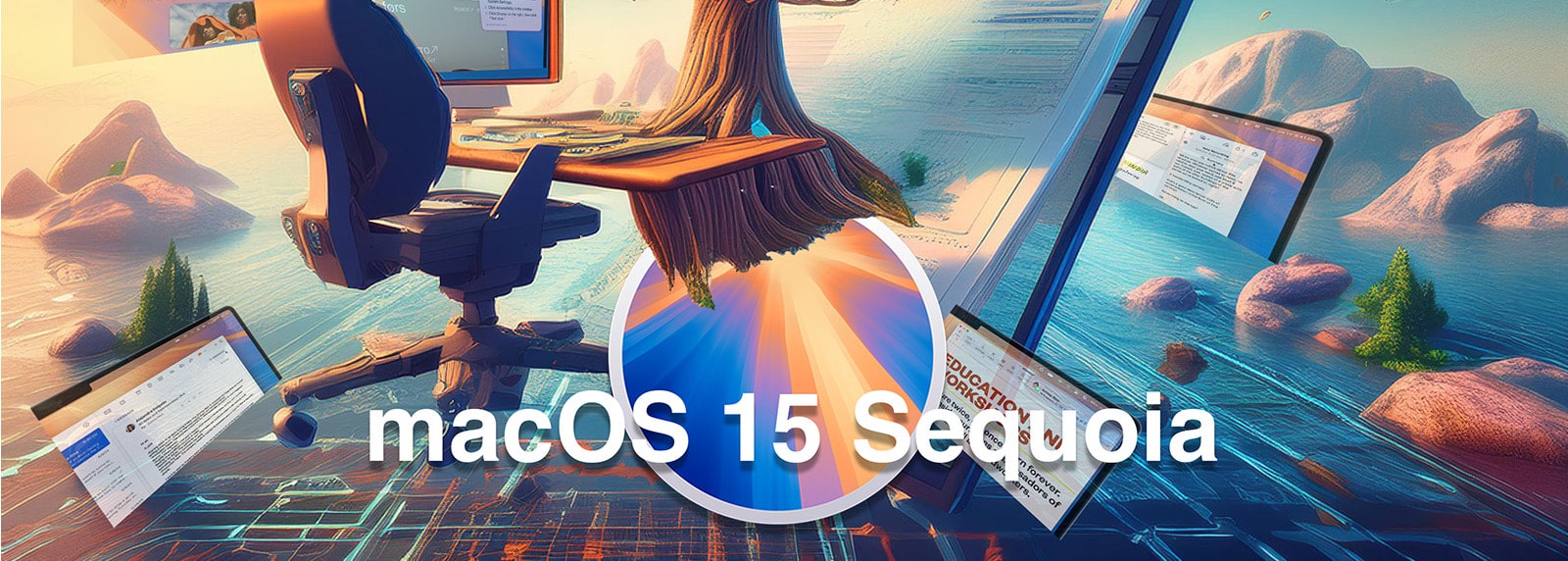
Apple has released its new operating system for the Mac, macOS 15 Sequoia, which brings the much awaited Apple Intelligence features to your Apple devices. “Apple Intelligence is the personal intelligence system built into macOS Sequoia.
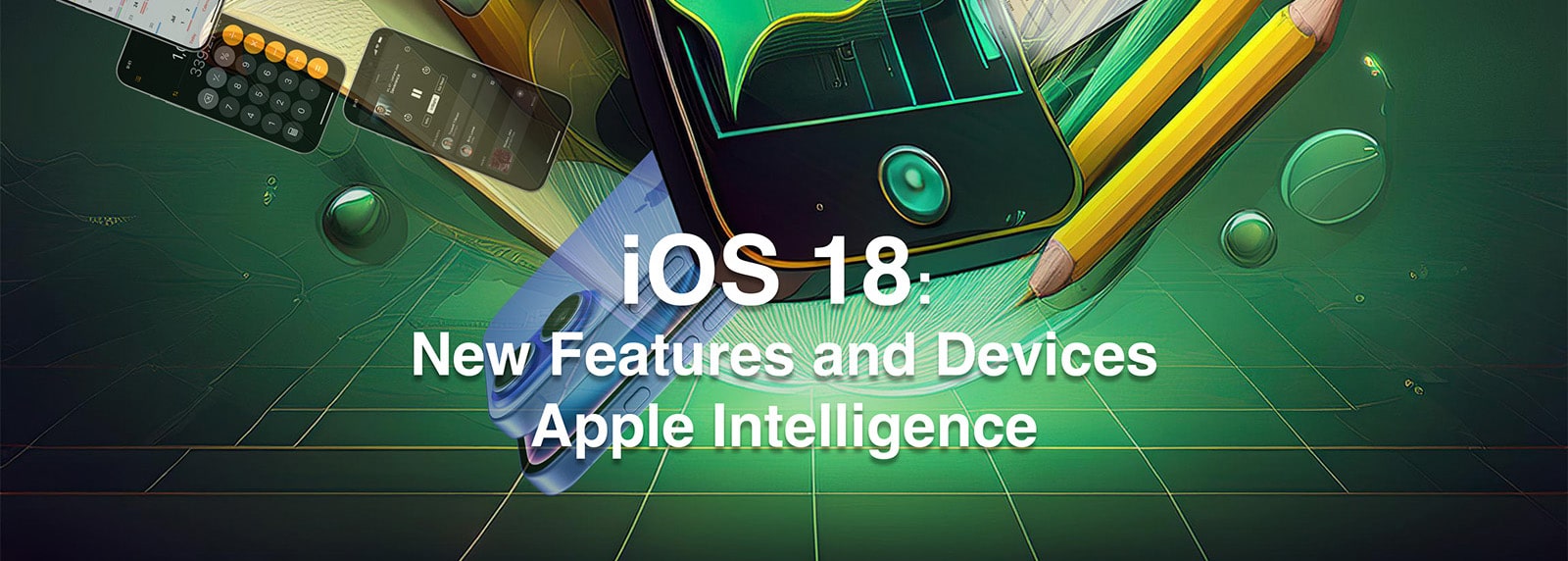
Who other than the “Mac Man” to show you the new features of iOS 18! There’s lots to delve into, such as: Add text formatting to Messages and schedule to send later, customize and rearrange your Home Screen Widgets to your liking, Siri has a richer language understanding and Apple Intelligence has awareness of your personal context, change your Lock Screen controls for greater privacy, get greater control in Control Center, new Calendar and Calculator features, and tons more. You don’t want to miss this!
For some in the Apple ecosystem, an iPad is essentially all they need. For others an iPad is an essential compliment to their array of devices. Whichever category you fall into, you need to know what’s new, what’s been updated and how to use it. Presenter favorite and new Class Instructor, Mike Matthews, will teach you the essential features of iPadOS 18, Apple Intelligence, review new iPad models and features, and leave you excited about what’s more to come!
As we continue to dive into the core apps of our Apple devices, our very own Dan Wassink of Dan’s Tutorials, will treat you to a comprehensive overview of how to work with the Numbers app. From beginner level to advanced, Dan will cover the essential features to get you started as well as cover features to get you the results you want. Learn how to use this simply powerful app to create lists, tables, financial spreadsheets, media documentation, drawings, and more. Use the over 30 Apple-designed templates, or create your own. Wherever you want to start or end, Dan has you covered!

Apple recently unveiled breakthrough sleep and hearing health features for Apple Watch and AirPods Pro 2 that further deliver on Apple’s commitment to health with experiences that enrich users’ lives. These new features bring informative and powerful ways to support users in their sleep and hearing health for conditions that impact billions globally.
The Pages.app is an incredibly powerful tool, yet most of us just barely scratch the surface of its capabilities. You can use Pages to create stylish text documents quite easily. Create personalized cards for family and friends, keepsake photo books, reports, flyers, posters— you name it. Mike Kwasniak will demonstrate a raft of easy-to-adopt techniques that will elevate your work and help you create documents that look more like the work of a professional designer, even if your skill level is that of a beginner.
Using almost any electronic device potentially puts your personal information at risk. In this class, Joe Kissell explains who wants your personal data (and why) and helps you create a customized privacy plan to protect yourself.

If you think that Keynote is just a stripped down version of PowerPoint, you couldn’t be more wrong. If you think that Keynote is complicated or that there is no way that you can learn to use it, again, you couldn’t be more wrong. For the second time this class season, Dan Wassink will dive into one of the core apps of our Apple ecosystem and give you a comprehensive detailed overview of how to use the Keynote app. From the essential features to get you started and familiar with Keynote, to the advanced, you’ll be saying, “Wow, I didn’t know Keynote could do that.” Learn how to use this simply powerful app to create basic slide presentations, to magical presentations with animations, to video!

The Photos app holds more than just photos. The Photos app holds exciting and fond memories, deep thoughts, overwhelming emotions of our most exciting and everyday experiences, along with a receipt or two, or 20. The Photos app has been redesigned and new features have been added, along with Apple Intelligence integration, to help you better access what you are looking for. Photos can be organized by topic, collections are automatically organized by theme, Pin your most important albums, customize to get a more personal experience, find those pesky duplicates. Christian Boyce “the Mac Man” will walk you through the redesign and new features of Photos on your devices, with his own added insights that you can get no where else!
Apple designs security into the core of its platforms. From hardware security and biometrics, encryption and data protection, a safe […]

macOS 26 Tahoe introduces significant and striking changes to the Mac operating system! You will be guided through changes in […]

Who other than the “Mac Man” to show you the new features of iOS 26! This in-depth class of iOS […]

The iPad is featuring massive changes with the new iPadOS 26 update. This class focuses on exploring the latest hardware […]

The Preview app is a Mac user favorite for viewing or interacting with all types of file formats. For image […]

Apple integrates security into the very core of its platforms. From hardware security and biometrics, encryption and data protection, a […]
There are some apps that are just indispensable to your life as a Mac User. Whether they be for security, […]

Joe Kissell just updated his Take Control of Your Digital Legacy ebook. This is a subject that speaks to all […]

The Apple Watch, iPhone and iOS Health apps continue to bring technology to our wrists and fingertips that keep us […]
Pixelmator Pro is an affordable image editor that offers powerful, professional-level tools, that are easy to understand and use. Acquired […]

Hackers think differently. They see vulnerabilities where you or I see normal systems. Driven by curiosity, creativity, and persistence rather […]
Please confirm you want to block this member.
You will no longer be able to:
Please allow a few minutes for this process to complete.