

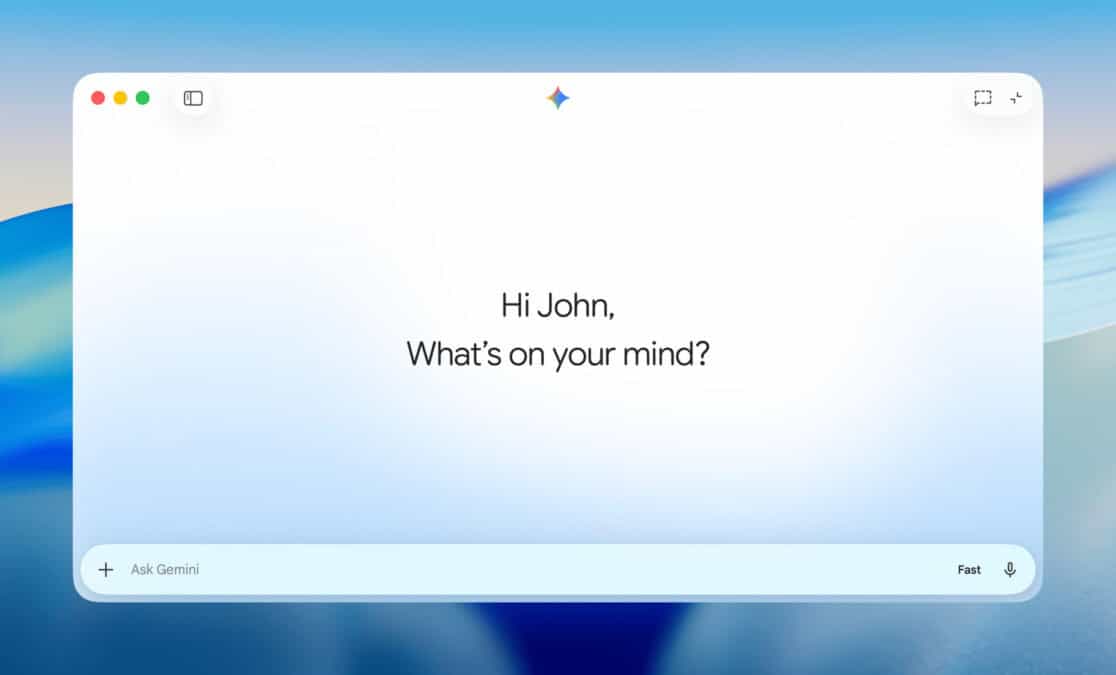
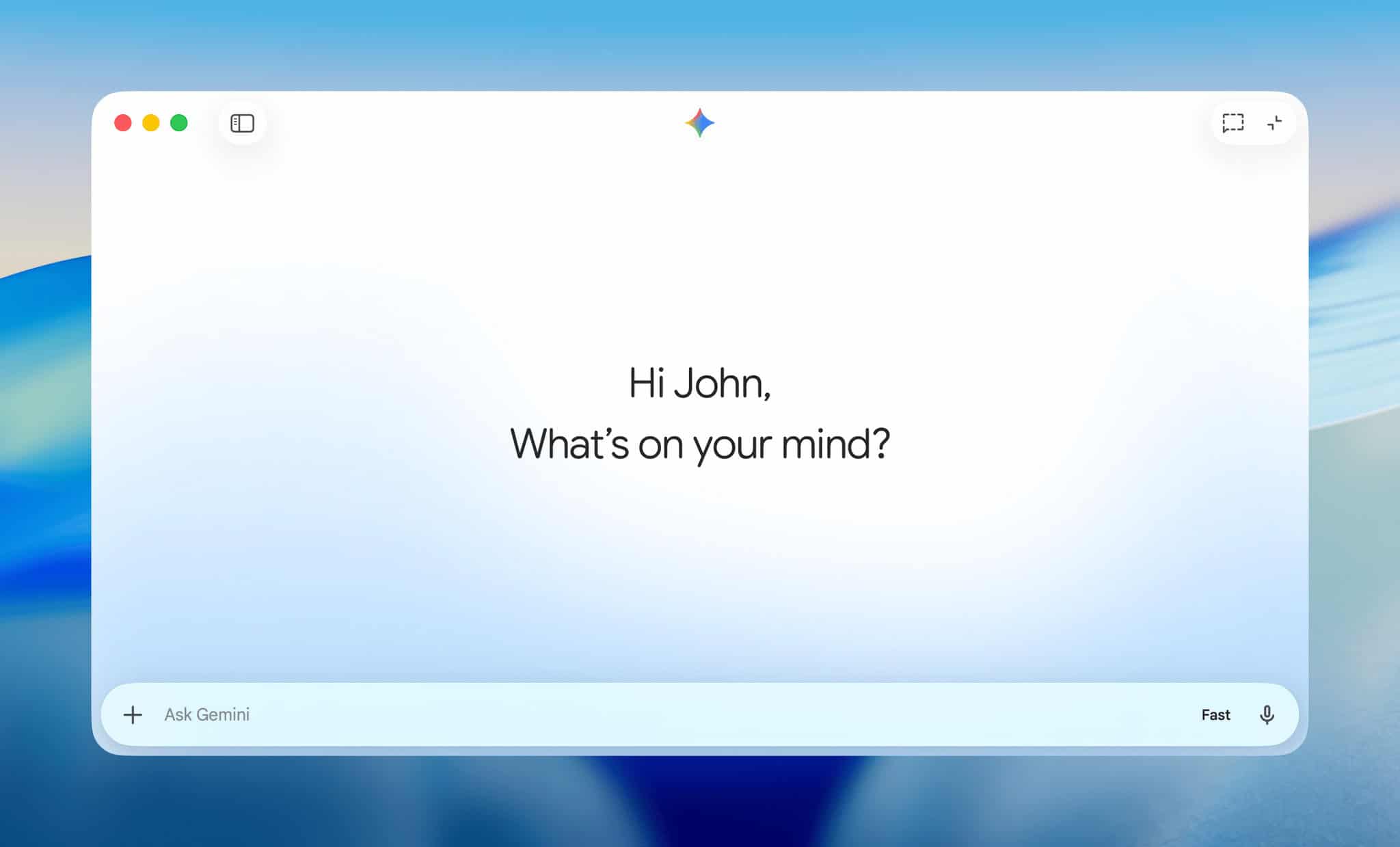
Google released a native Mac app for its Gemini chatbot today.
The app, which can be launched from your Applications folder, Dock, the menu bar, or a global hotkey, will be familiar to anyone who has used Gemini in a browser. The chatbot supports Gemini 3 in Fast and Thinking modes, as well as Pro mode, which uses Gemini 3.1 Pro. Gemini can also interact with files, the contents of a window, Google Drive, Photos, and NotebookLM. It’s multimodal, too, with support for the generation of text, images, video, and music. Dig a little deeper into Gemini’s menus and you’ll find support for Canvas, Deep Research, Guided Learning, and Personalized Intelligence.
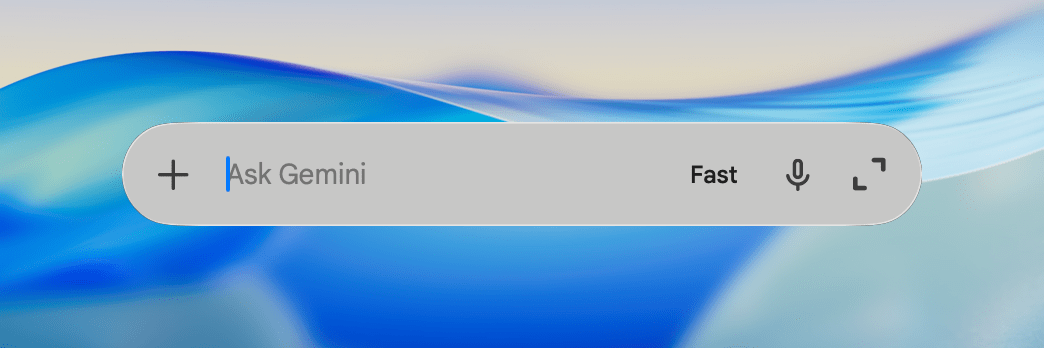
A Gemini mini window is available from the menu bar and a global hotkey.
Even though I just downloaded the app a short time ago, my Gemini chat history was immediately available in the app. The history appears in the app’s sidebar along with a search field, My Stuff, which includes things like images and video generated in the past, and access to your account. The app is written in Swift which was a pleasant surprise.
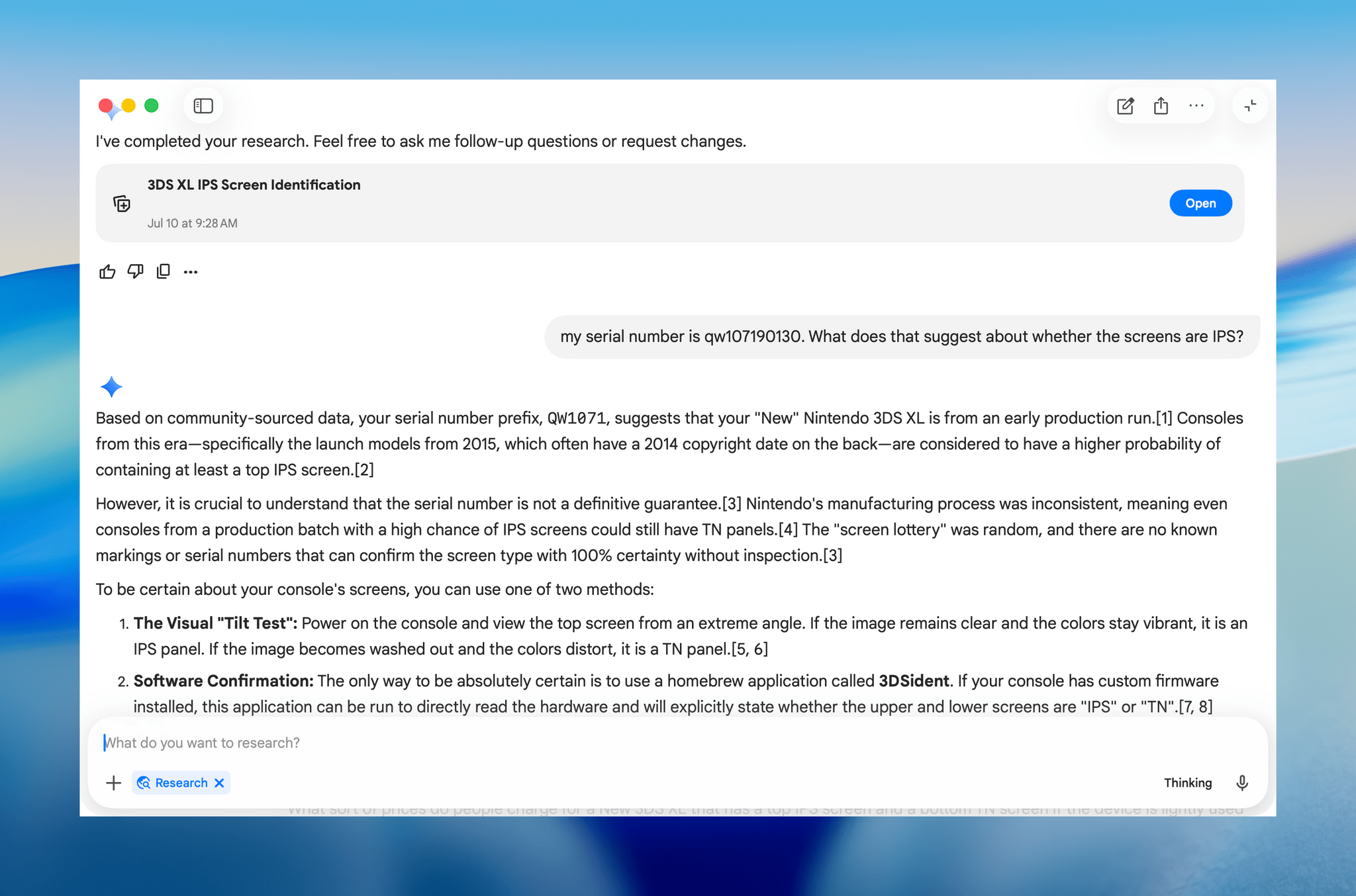
All my past prompts were immediately available in the new Gemini Mac app.
I’ve only just begun testing Gemini for Mac, but I can already tell that it’s a cut above my hand-crafted single-purpose Safari web app solution. All the same tools found on the web are here, but in a native wrapper, which I appreciate. If you use a Mac and Gemini, the new app is well worth giving a try.
Gemini for Mac is available as a free download from Google.